
This post is a follow-up on my previous post. I was wondering whether it’s safe to use Grid Lanes today. I came up with a solution I find okay, but there is a caveat. Note: This post contains interactive demos. If you want to see them instead of screenshots, enable the CSS Grid Lanes Layout flag… Continue reading Progressively enhancing Grid Lanes
Tag: HTML
Your Grid Lanes will likely fail WCAG 2.4.3

I saw a great introduction to CSS Grid Lanes, aka Masonry Layouts, by Patrick Brosset at CSS Day 2026. I liked the versatility of its use cases, but I was also concerned that it’s inaccessible by default. Note: This post contains interactive demos. If you want to see them instead of screenshots, enable the CSS… Continue reading Your Grid Lanes will likely fail WCAG 2.4.3
Context-aware headings in HTML

A common issue that we’ve probably all faced at some point is having a component that includes a heading, which sometimes should be an H2 and sometimes maybe an H3, depending on where it’s used. You can see an example of that in the screenshot below, taken from the City of Vienna’s website (I translated… Continue reading Context-aware headings in HTML
Totally remdom, or How browsers zoom text
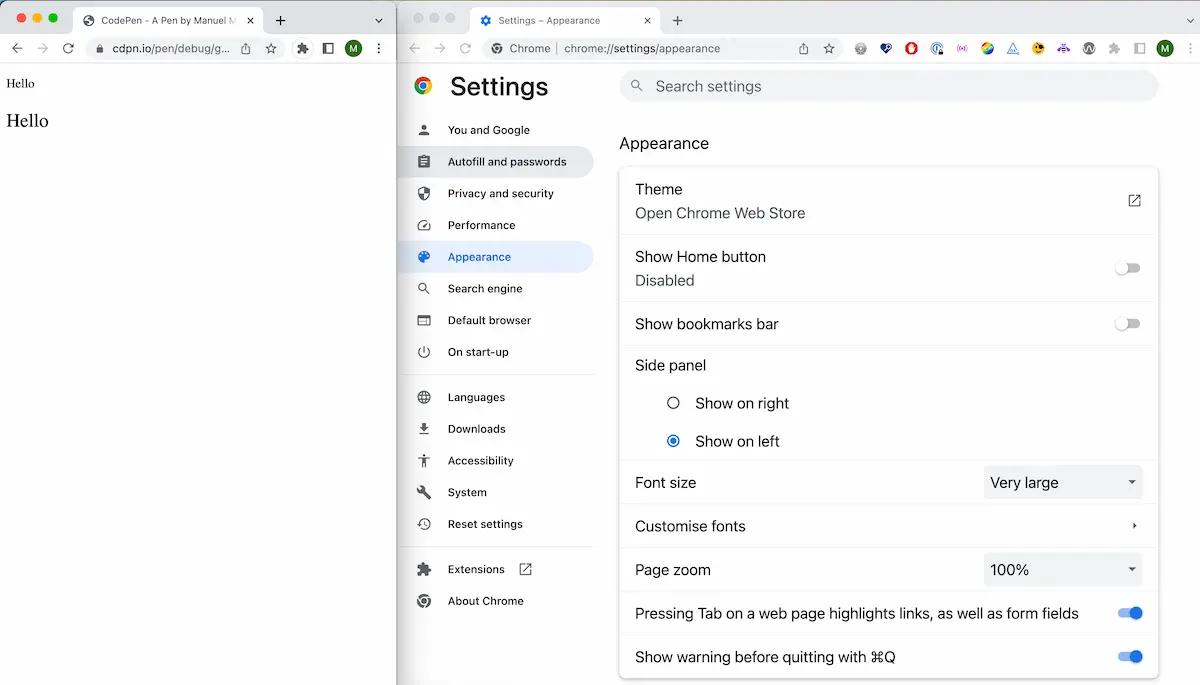
Last week, I lied to my students. After I explained how the rem unit worked, I told them that they could compare px and rem by increasing the font size in their mobile browsers and see how it affects text zoom. Before I said that, we created a simple test page with two paragraphs and… Continue reading Totally remdom, or How browsers zoom text
Building a progress-indicating scroll-to-top button in HTML and CSS
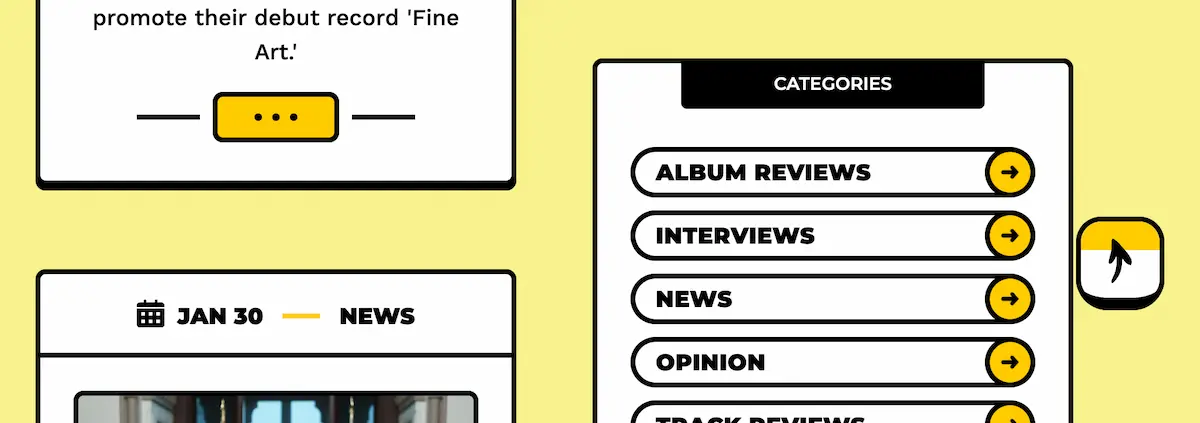
I noticed a nice detail on theneedledrop.com. They have a square scroll-to-top button with an arrow pointing right. The button’s border is black, and the background color is white. When you scroll, the arrow points up, and the background color turns gradually yellow as you scroll. That’s nothing too special, but it caught my attention… Continue reading Building a progress-indicating scroll-to-top button in HTML and CSS
Introduction to the new HTML element <geolocation>

There is a new HTML element called geolocation. I checked it out and here’s what I learned. The <geolocation> element The <geolocation> element provides a button that, when activated, prompts the user for permission to access their location. Originally, it was designed as a general <permission> element, but browser vendors indicated that implementing a “one-size-fits-all”… Continue reading Introduction to the new HTML element <geolocation>
Claude For Code: How to use Claude to Streamline Product Design Process

[unable to retrieve full-text content] Anthropic Claude is a primary competitor of OpenAI’s ChatGPT. Just like ChatGPT this is versatile tool that can be use used in many different purposes but there is an area where Claude shines and this area is coding. Claude is great at code-adjacent design tasks and can be used as… Continue reading Claude For Code: How to use Claude to Streamline Product Design Process
How to create an SVG viewer in HTML, CSS, and JavaScript

Our SVG viewer will have the following features: An editor that allows us to write, paste, and edit SVG code A validation mechanism that checks if the SVG Code is valid A preview area where we’ll see the SVG in real-time An export feature that will allow us to export the… Continue reading How to create an SVG viewer in HTML, CSS, and JavaScript
Create a color contrast checker with HTML, CSS, and JavaScript
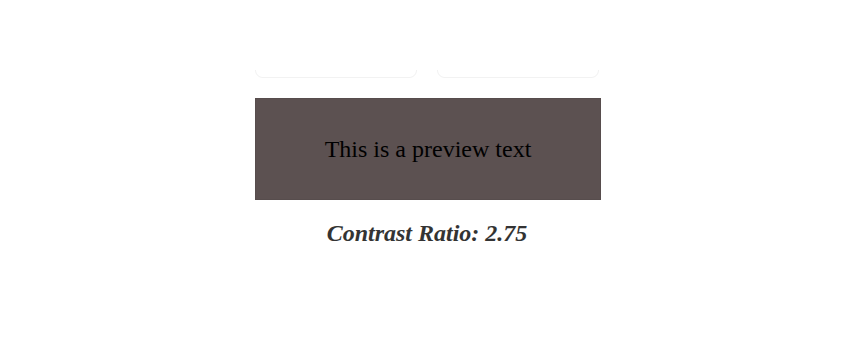
By “color contrast” we’re referring to the difference in brightness between foreground and background colors. In simpler terms, it defines how easy it is for the human eye to recognize text or images on a coloured background. The Web Content Accessibility Guidelines (WCAG) provide specific recommendations regarding color contrast for text to make web content… Continue reading Create a color contrast checker with HTML, CSS, and JavaScript
Building accessible apps with Next.js and axe DevTools
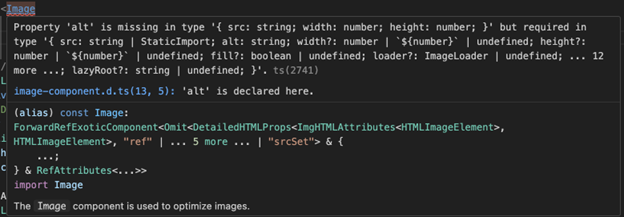
As a developer, you want to build fast, modern, progressive web applications (PWAs) that reach as many users as possible. That’s the goal—and it’s a good one. But if accessibility isn’t part of that process, you could be unintentionally leaving people behind. Accessibility (a11y) is essential to creating inclusive experiences and is a hallmark of… Continue reading Building accessible apps with Next.js and axe DevTools
How to create a mesh gradient generator in HTML, CSS and JavaScript

What we’re building Here’s the gradient generator we’re going to build. Click the button at the bottom to generate random new mesh gradients! Once they’re generated, you can copy the CSS to recreate the gradients using the background-image property in combination with radial-gradient. Wait, what’s a mesh gradient? Good question. Mesh gradient is the… Continue reading How to create a mesh gradient generator in HTML, CSS and JavaScript
How to create infinite text scrolling in HTML, CSS, and JavaScript

It’s worth noting that a horizontal marquee brings many accessibility challenges. Moving text can be distracting and difficult to read. Consider carefully the kind of content you wish to display in this way! Basics: How the text scroll effect works This text scroll effect can be achieved using simple CSS animation properties. To make text… Continue reading How to create infinite text scrolling in HTML, CSS, and JavaScript
30+ CSS Editors: A Guide for Every Skill Level
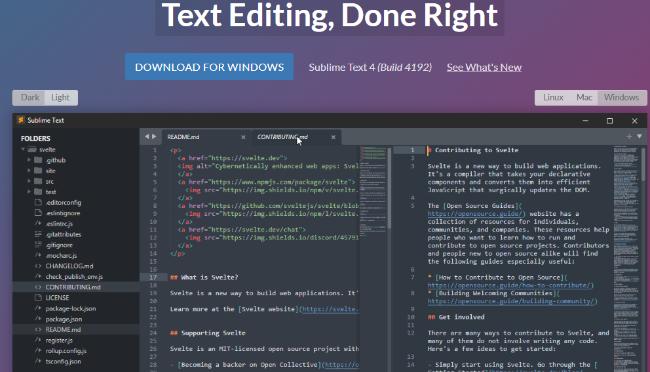
Choosing the right CSS editor can significantly streamline your workflow and boost productivity when working on web projects. Whether you’re a seasoned developer or just starting out, having access to powerful editing tools specifically designed for CSS can make all the difference. In this comprehensive guide, I’ll explore a wide range of CSS editors available… Continue reading 30+ CSS Editors: A Guide for Every Skill Level
Neobrutalism: Definition and Best Practices
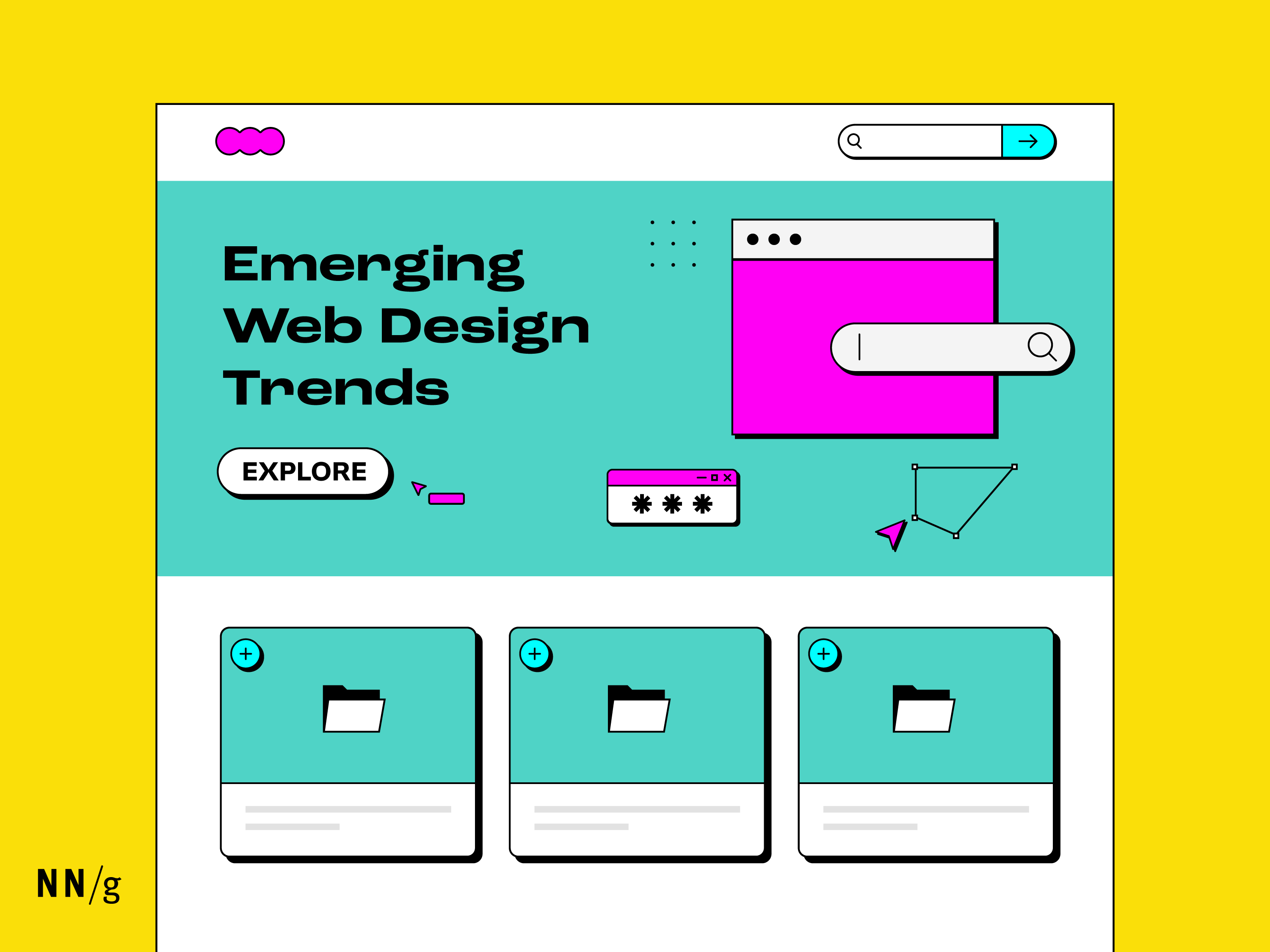
Summary: As a UI design style, neobrutalism focuses on raw, unrefined elements like bold colors, simple shapes, and intentionally “unfinished” aesthetics. Emerging as a reaction against sleek, minimalistic designs, neobrutalism creates a striking (almost rebellious) visual style. But while neobrutalism draws attention, designers must carefully balance its distinctive look with usability to avoid ending up… Continue reading Neobrutalism: Definition and Best Practices
How to build a Connect Four game in HTML, CSS, and Vanilla JavaScript
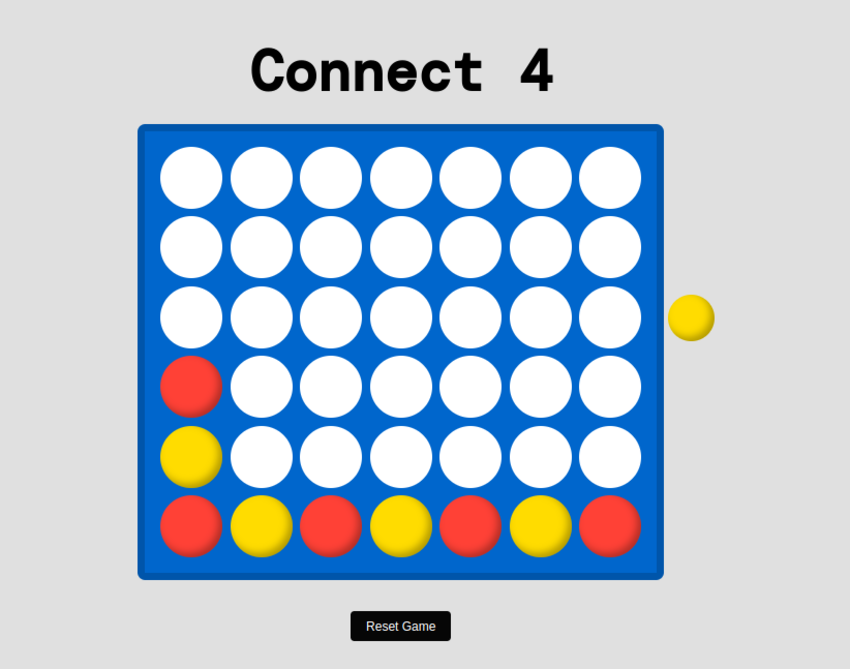
In this tutorial, we will cover how to build a fully functioning Connect Four game in HTML, CSS and Vanilla JavaScript. Here’s the demo we’ll be working towards. Click on the available slots to place whichever color is next in the queue! Begin with simple HTML markup Alright, let’s get started. In the body of… Continue reading How to build a Connect Four game in HTML, CSS, and Vanilla JavaScript
Alt Text: Not Always Needed
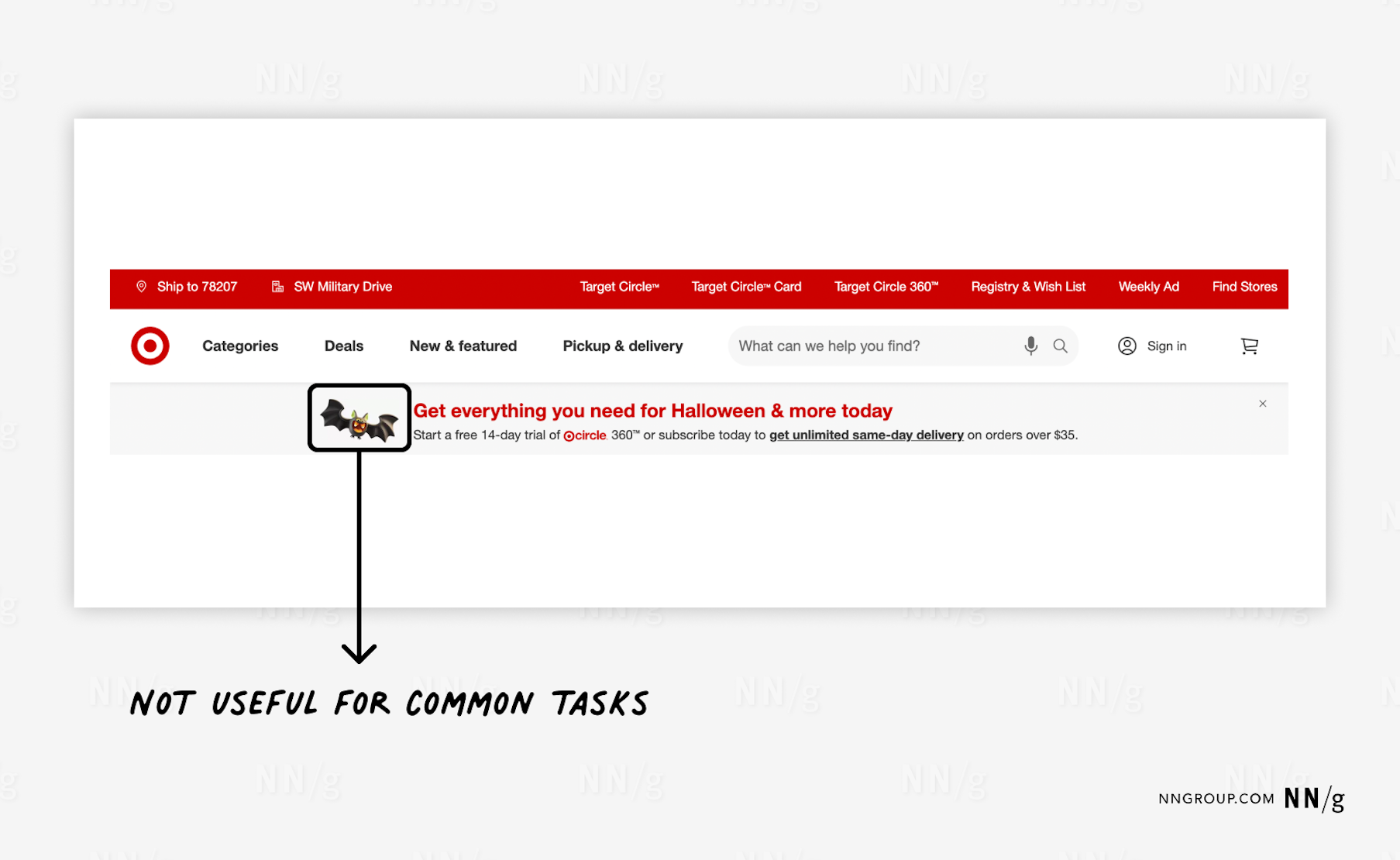
Summary: Write alt text that communicates an image’s purpose without repeating page content. Focus on meaning rather than visual description. Alt text (or alternative text) is metadata intended to help screen-reader users understand what an image is depicting. Most guidance for writing alt text describes how to make individual web-based images accessible and understandable for… Continue reading Alt Text: Not Always Needed
How to make interactive charts accessible
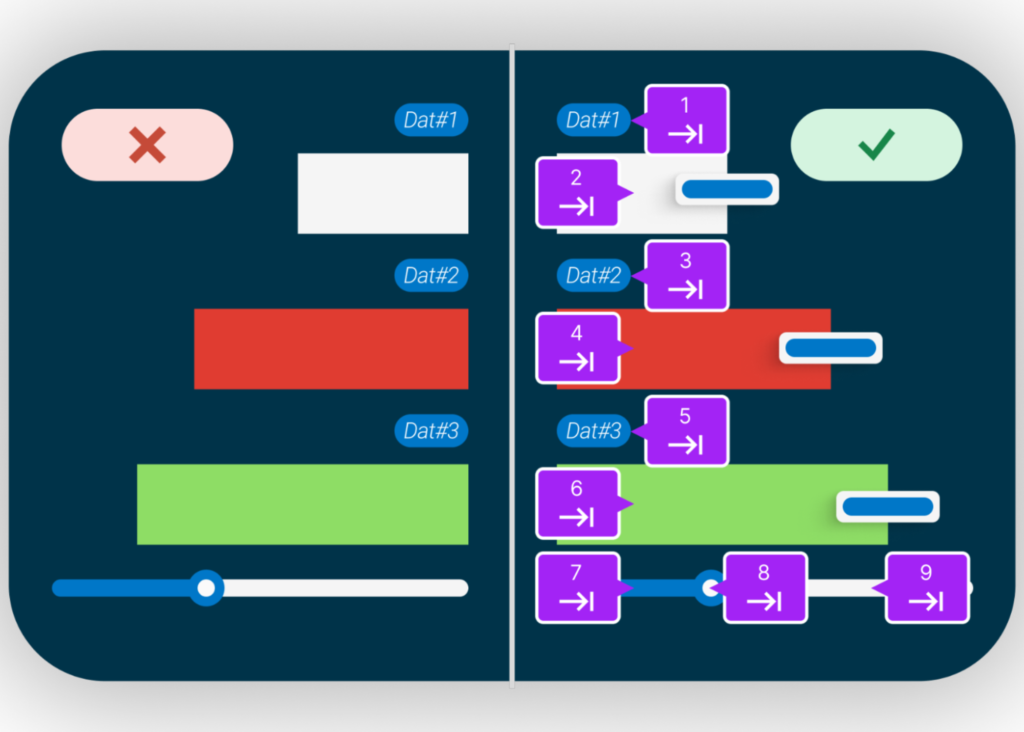
Interactive charts can transform data into compelling stories, offering valuable insights at a glance. But what happens when these visual tools are inaccessible to those with visual impairments? In this post, we’ll show you how to ensure your interactive charts are accessible to all users, regardless of their abilities. Before digging deeper, let’s establish what… Continue reading How to make interactive charts accessible
Create a breakout game with HTML, CSS, and vanilla JavaScript
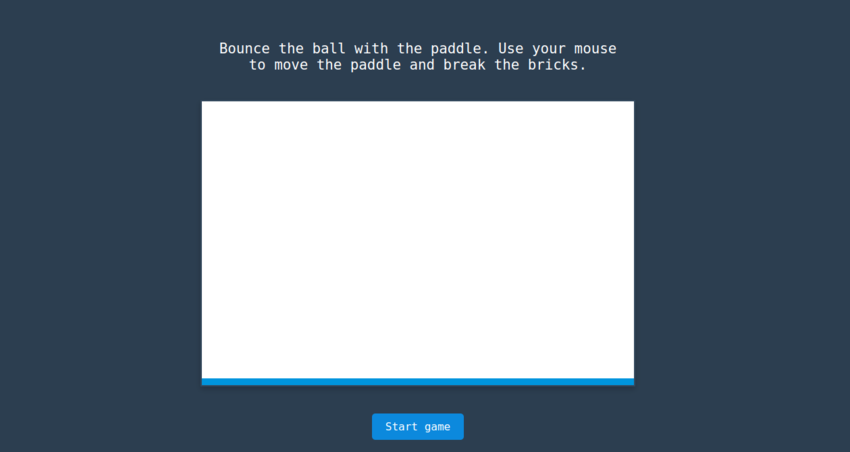
We’ll begin by creating the game area using the HTML canvas element. The <canvas> element provides access to the Canvas API, which allows us to draw graphics on a webpage. In your HTML add the code below. 1 <div class=”instructions”> 2 <p> 3 Bounce the ball with the paddle. Use your mouse to move the… Continue reading Create a breakout game with HTML, CSS, and vanilla JavaScript
From Figma to Functional App Without Writing a Single Line of Code
[unable to retrieve full-text content] How I Created a Design Tokens Converter in Minutes Using Claude Product designers don’t have to code, but knowing HTML and CSS will help us communicate with developers. In addition, a designer who knows JavaScript, Python, or another language, is a plus because they can explain the logic to the developer.… Continue reading From Figma to Functional App Without Writing a Single Line of Code
How do I propose to improve the usability of Gymnasium.com
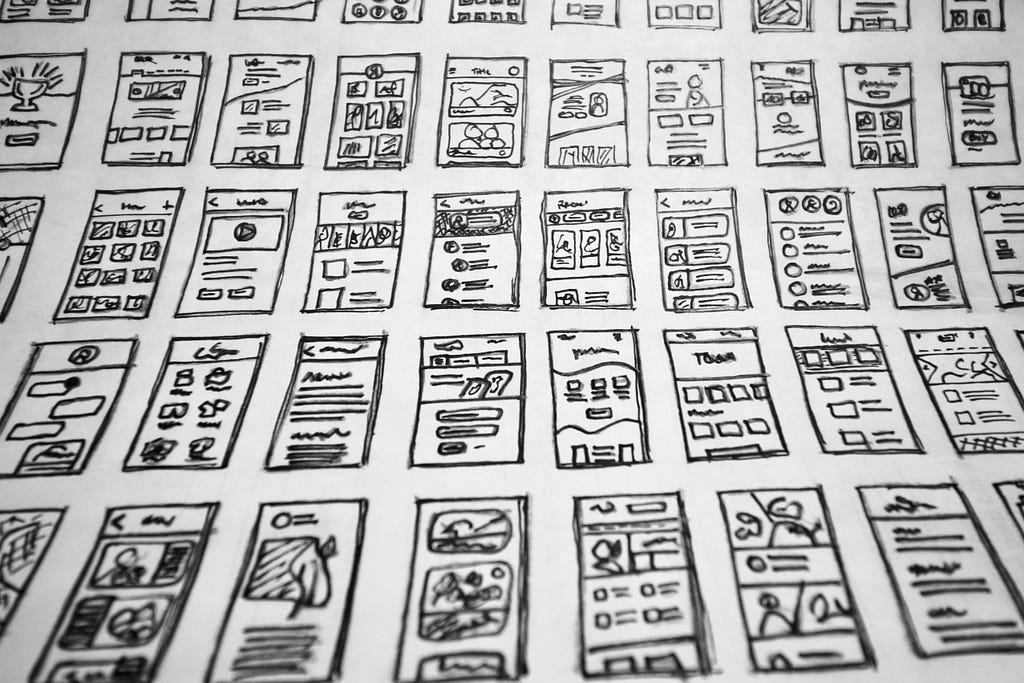
[unable to retrieve full-text content] Photo by Hal Gatewood on Unsplash I pretty much discovered UX Design through their UX fundamentals course while working as a Test Automation Engineer. Although the course material was excellent, covering the fundamentals of UX beautifully, the platform itself had some clear usability issues. Gymnasium features a clean and simple design… Continue reading How do I propose to improve the usability of Gymnasium.com
Distinguishing between ARIA and native HTML attributes
As a developer, you want to create more inclusive and accessible digital experiences for your users. Great! It’s possible, however, that you might be feeling a bit confused or overwhelmed by the element attributes that can affect the usability for users of assistive technology. ARIA (or WAI-ARIA, Web Accessibility Initiative-Accessible Rich Internet Applications) defines some… Continue reading Distinguishing between ARIA and native HTML attributes
How to Create a 2D Digital Clock with HTML, CSS, and Vanilla JavaScript

Wouldn’t it be fun to create your own beautiful Digital Clock with basic web technologies? This tutorial will cover how to create a faux-3D digital Clock with HTML, CSS, and Vanilla JavaScript. Let’s get started! HTML Structure The HTML structure will consist of a rectangular container with a time display inside. The time display will… Continue reading How to Create a 2D Digital Clock with HTML, CSS, and Vanilla JavaScript
Layouts in Astro — SitePoint
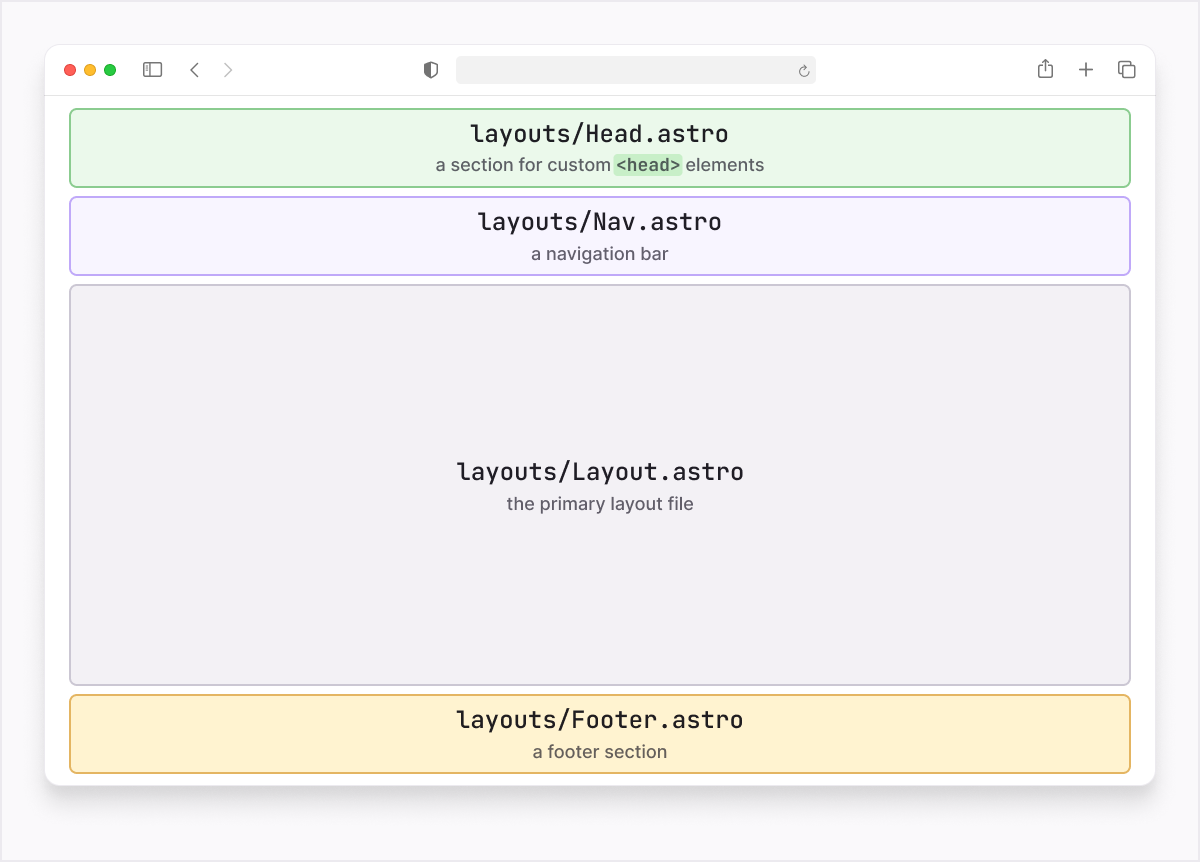
This introduction to layouts in Astro is excepted from Unleashing the Power of Astro, available now on SitePoint Premium. While each .astro page (route) has the potential to contain a fully-fledged HTML document, it’s inefficient to duplicate that structure, especially when certain elements—such as <meta> and <title> elements—may vary depending on the currently viewed page.… Continue reading Layouts in Astro — SitePoint
Layouts in Astro — SitePoint
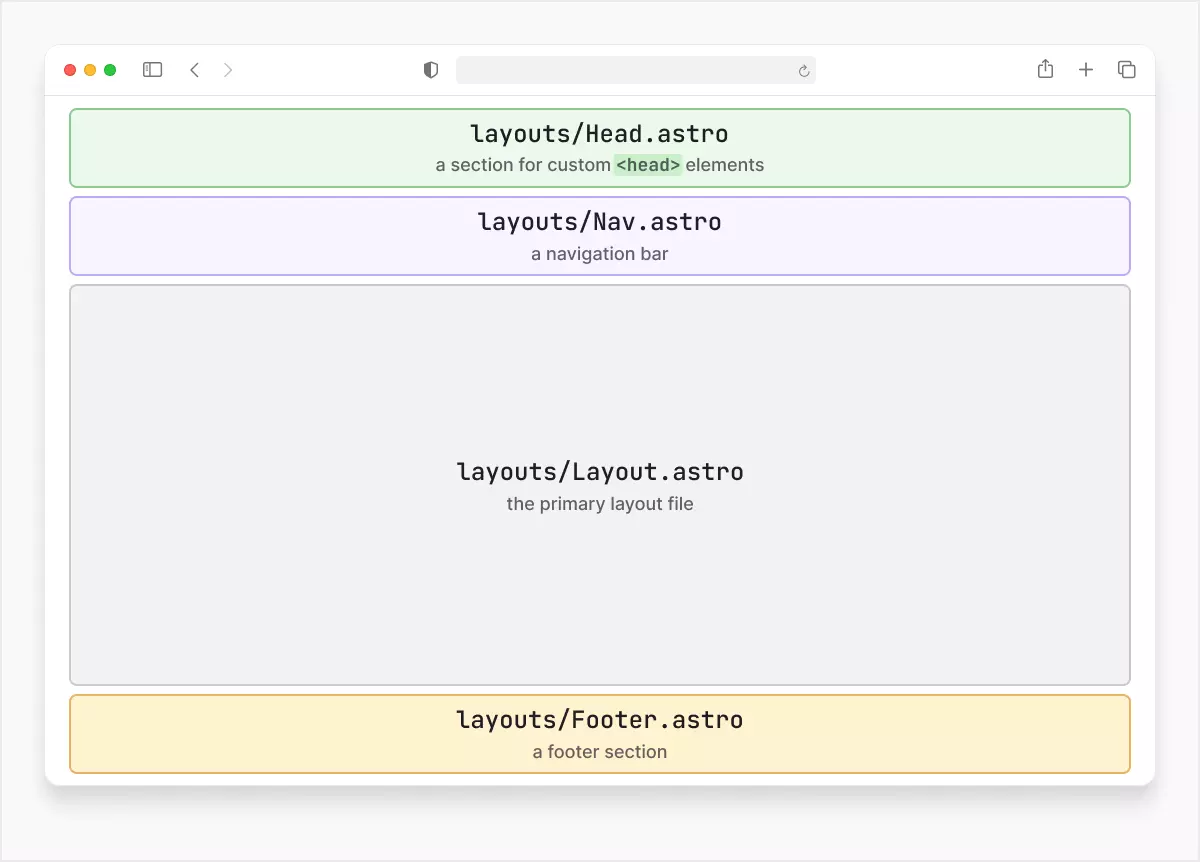
This introduction to layouts in Astro is excepted from Unleashing the Power of Astro, available now on SitePoint Premium. While each .astro page (route) has the potential to contain a fully-fledged HTML document, it’s inefficient to duplicate that structure, especially when certain elements—such as <meta> and <title> elements—may vary depending on the currently viewed page.… Continue reading Layouts in Astro — SitePoint