Graphic designers now use browser AI tools almost every day. Online tools help create logos. Some help remove backgrounds. Others help with UI layouts, typography, and image editing. In 2026, many designers prefer browser-based AI tools because they are simple to access and do not need heavy software installation.
Many AI tools now run directly inside a browser tab. This saves time and works well on laptops with lower-powered devices. Students, freelancers, content creators, and design agencies are all using online AI tools for faster daily work.
Nowadays, people still compare AI vs human creativity. AI can help speed up tasks, but designers still make the final choices. AI tools are now more like assistants. They help with ideas, layouts, text generation, color suggestions, and image cleanup.
Top 10 Browser AI Tools in 2026
This article covers some of the top browser AI tools for graphic designers in 2026. These tools focus on UI/UX work, branding, typography, image editing, and AI illustration.
Why Browser AI Tools Are Growing
Many designers now prefer browser AI tools because they work quickly and are easy to open from any device. You do not always need expensive computers or large software downloads anymore.
Small teams and freelancers also like browser-based AI tools because they reduce costs. A browser tool can help create logos, social media posts, UI layouts, and mockups without needing many separate apps.
AI UX Tools are also becoming more common in browser platforms. Designers can test layouts, create wireframes, and organize user flows directly online. This helps save time during client work.
Another reason is flexibility. Designers can work from home, office, or even school computers. Most browser AI tools only need internet access and a modern browser.
Featured: Envato AI
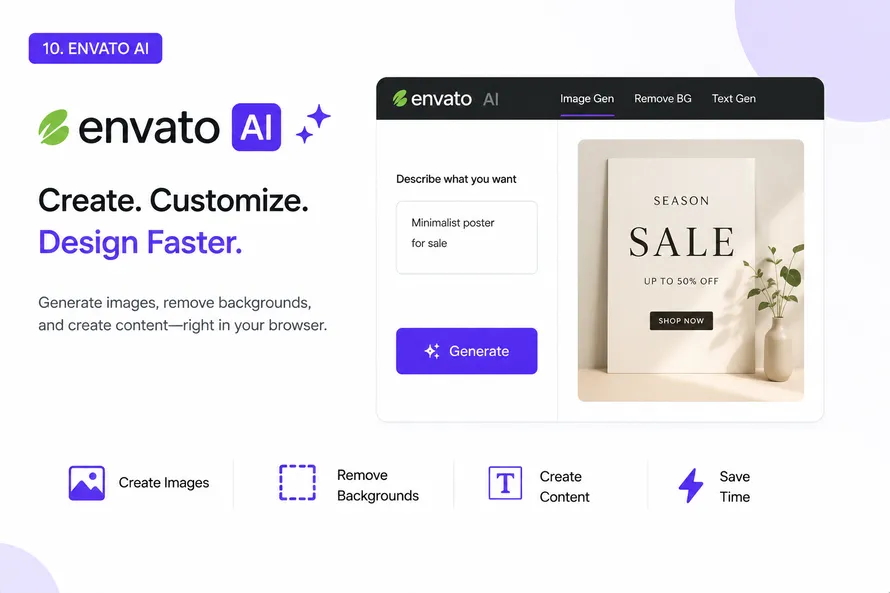
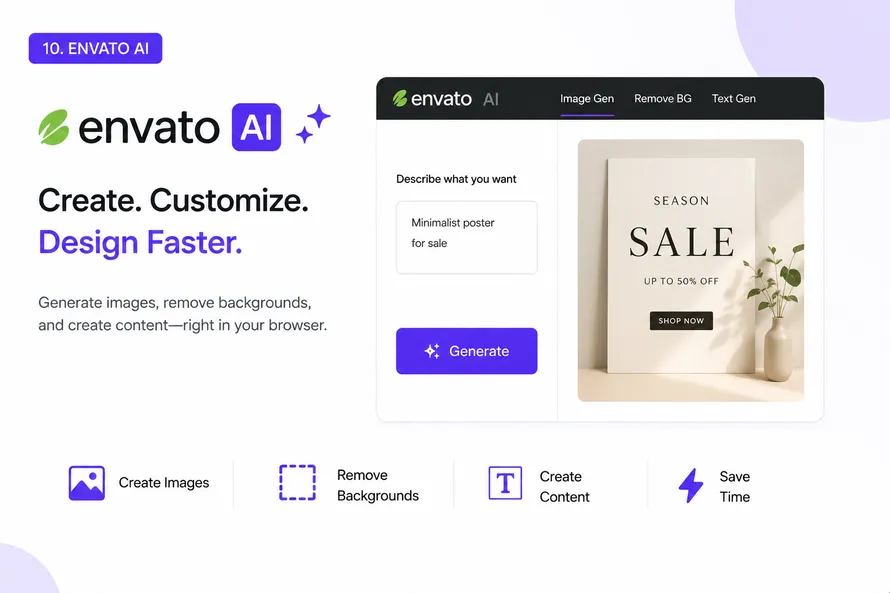
Envato AI is becoming a useful browser AI tool for designers who already use Envato Elements. It helps users create images, generate content, remove backgrounds, and speed up creative work without leaving the browser.
Many graphic designers use Envato for templates, fonts, mockups, and stock graphics. The AI tools add another layer by helping users create assets and ideas directly inside the platform. This can reduce the time spent switching between different websites and software.
Envato AI works well for social media graphics, blog images, marketing materials, and design concepts. Designers can combine AI-generated content with the large Envato Elements library to build projects faster.
For designers who already have an Envato subscription, this browser AI tool can become part of their daily workflow. It connects AI creation with templates, fonts, graphics, and other creative resources in one place.
Visily
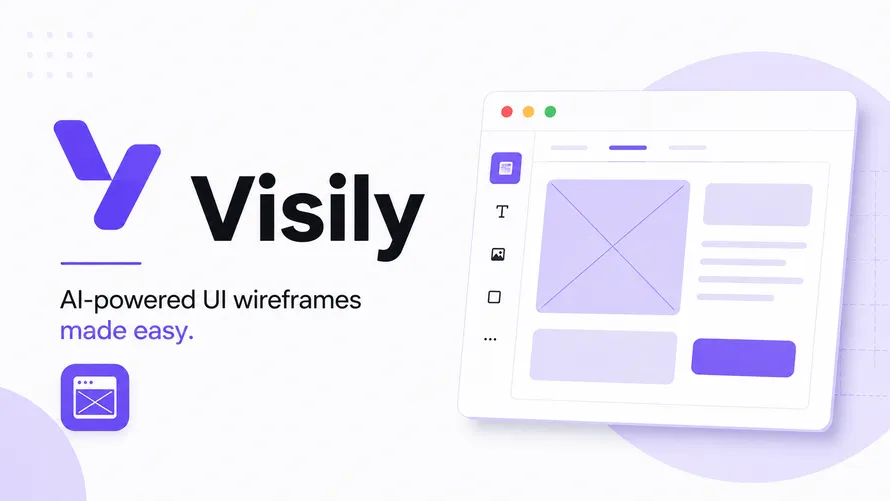
Visily is a browser AI tool made for UI and UX design work. It helps users create app layouts and wireframes without needing advanced design experience.
Many beginners use Visily because the interface feels simple. You can drag sections, generate screens, and organize layouts directly in the browser. The AI suggestions also help speed up planning work.
This tool is useful for startups, app designers, and students learning UI design. Many people also use it as part of AI UX Tools workflows when creating mobile apps and dashboard projects.
Visily saves time during the early stage of design planning. Instead of drawing everything from scratch, users can quickly create wireframe ideas.
Flowstep

Flowstep focuses more on UX flows and user journeys. It helps designers organize app screens and navigation structures.
Many UI designers struggle when planning how users move through an app. Flowstep makes this easier by showing flow connections visually inside the browser.
This browser AI tool also helps teams discuss project structure before moving into detailed design work. Product teams and UX designers often use it during planning meetings.
Flowstep fits well into modern AI UX Tools workflows because it reduces manual diagram creation. Designers can focus more on user experience instead of repetitive flow drawing.
Looka
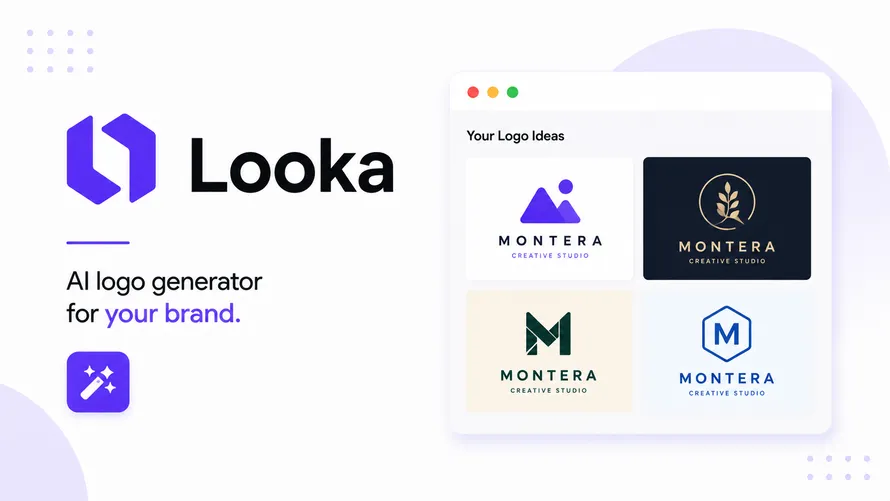
Looka is one of the known AI Logo generator platforms online. It helps users create logos, colors, and branding kits using AI suggestions.
Small businesses and freelancers often use Looka because they need quick branding ideas. Users type a company name, choose styles, and the AI generates logo concepts.
The browser setup makes it easy for beginners. You do not need advanced Illustrator skills to test logo directions. Some designers also use Looka for rough concepts before building final logo versions manually.
AI tools like Looka are changing how branding work starts. Designers still refine the final design, but AI helps speed up early idea generation.
Fontjoy
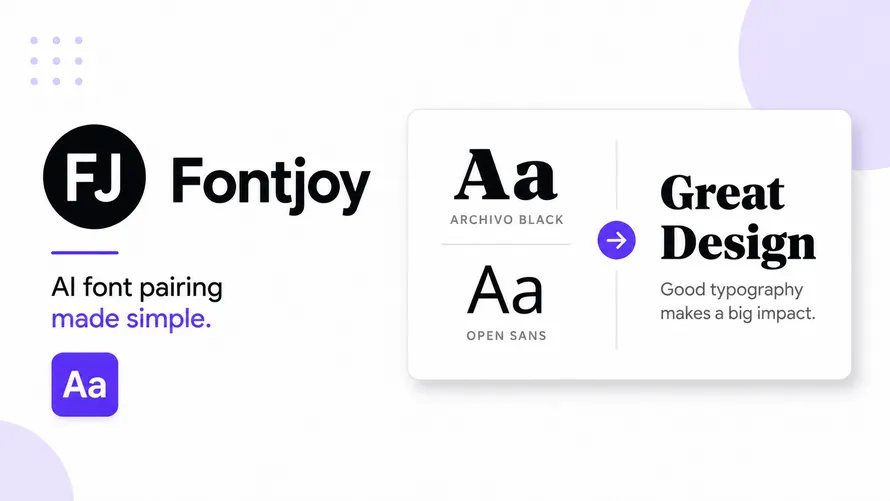
Fontjoy is a typography browser tool that helps users pair fonts together. Typography selection is difficult for many beginners, especially when mixing headline and body fonts.
Fontjoy uses AI suggestions to create matching font combinations. Designers can refresh combinations until they find a setup they like.
This tool works well for branding projects, websites, posters, and UI design. Typography is a major part of graphic design, so tools like this help beginners avoid weak font choices.
Many browser AI tools focus on images and layouts. Fontjoy focuses only on typography, which makes it useful for daily design work.
Cleanup pictures
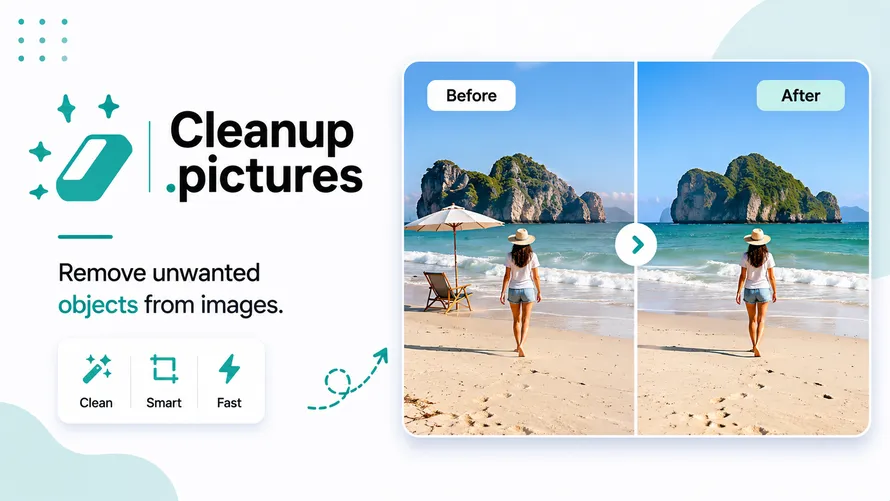
Cleanup.pictures is a simple AI image cleanup tool. Users can remove objects, people, text, or marks from photos directly in the browser.
Designers use this tool during social media editing, product photography, and thumbnail creation. Instead of opening large editing software, users can quickly clean images online.
The interface is very simple. You upload a photo, brush over unwanted objects, and the AI removes them automatically.
This browser AI tool works well for freelancers who need quick edits during client work. It is also useful for beginners learning image editing basics.
Clipdrop
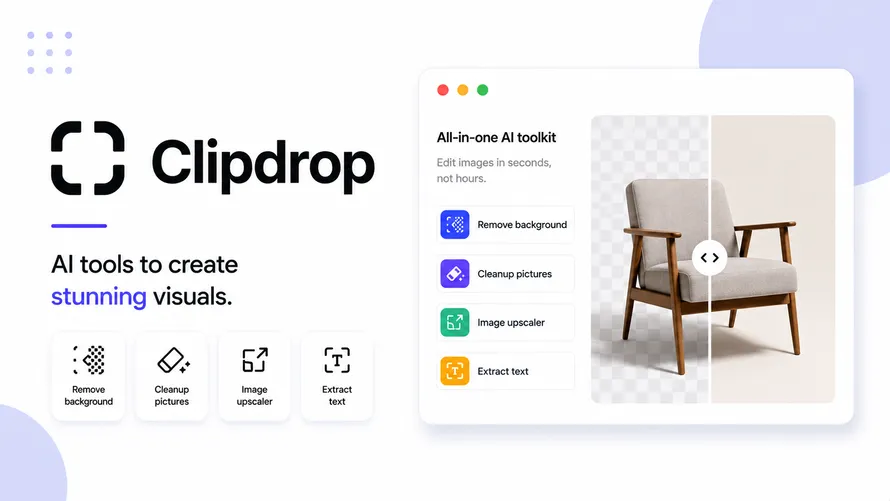
Clipdrop offers several AI image tools in one browser platform. Users can remove backgrounds, upscale images, relight photos, and clean image sections.
Many content creators use Clipdrop because it handles quick editing tasks without needing heavy software. The browser workflow feels easy for beginners.
Graphic designers also use it during mockup work and social media projects. The AI background tools save time during product editing and portrait cleanup.
AI tools like Clipdrop are becoming common because many designers now prefer faster editing systems for smaller tasks.
Leonardo AI
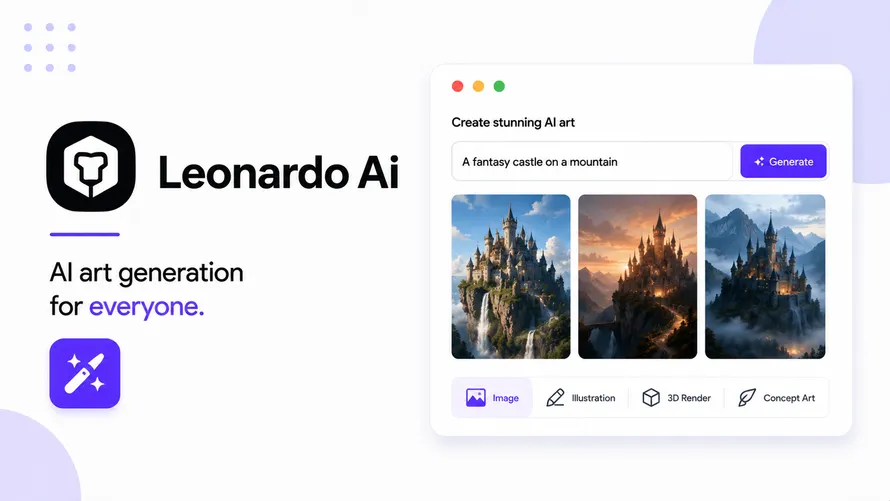
Leonardo AI is used for AI illustration and image generation. Designers use prompts to create concept art, posters, game assets, and visual ideas.
The browser interface helps users generate images without installing software locally. Many artists use Leonardo AI for idea exploration before creating final artwork manually.
This tool is popular among social media creators, YouTubers, and digital artists. It can create fantasy scenes, character art, textures, and product visuals.
AI tools for illustration continue growing in 2026. Designers now use these systems for brainstorming and visual experimentation during project planning.
Playground AI
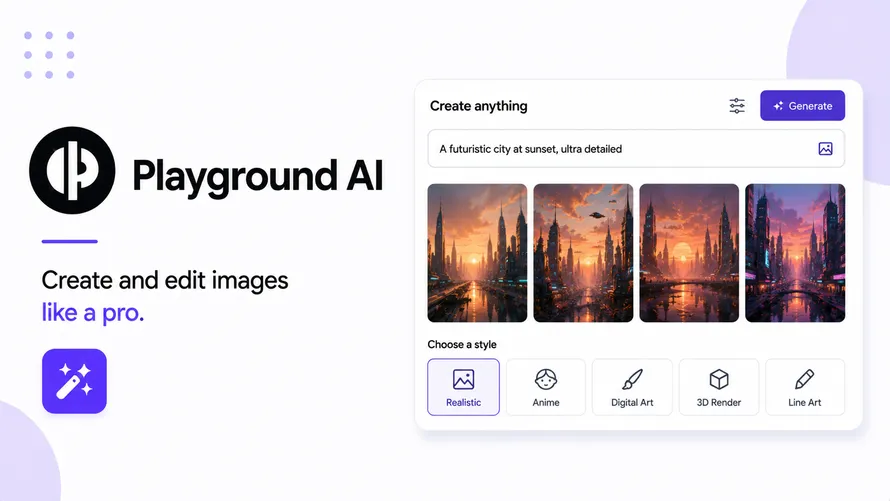
Playground AI is another browser AI image tool that focuses on image generation and editing. Users can create graphics, posters, and AI art directly online.
The interface feels simple for beginners. You type prompts, upload references, and adjust generated visuals inside the browser.
Many graphic designers use Playground AI for fast social graphics and concept drafts. It also works well for YouTube thumbnails and marketing visuals.
Browser AI tools like Playground AI help reduce design time during early creative stages. Designers can test many visual ideas quickly.
Microsoft Designer
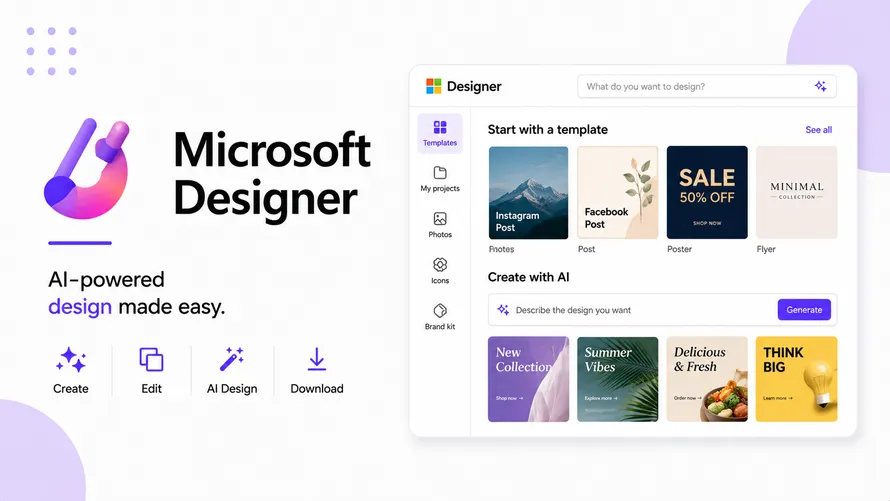
Microsoft Designer is a browser design platform focused on social graphics, presentations, and marketing content.
Many beginners like this tool because the interface feels familiar and easy to use. The AI helps generate layouts, text suggestions, and image ideas.
Students and small businesses often use Microsoft Designer for posters, invitations, banners, and ads. The browser access makes it easy to use across devices.
AI tools inside Microsoft products are becoming more common in 2026. Browser-based design systems are now competing with traditional design software for simple projects.
AutoDraw
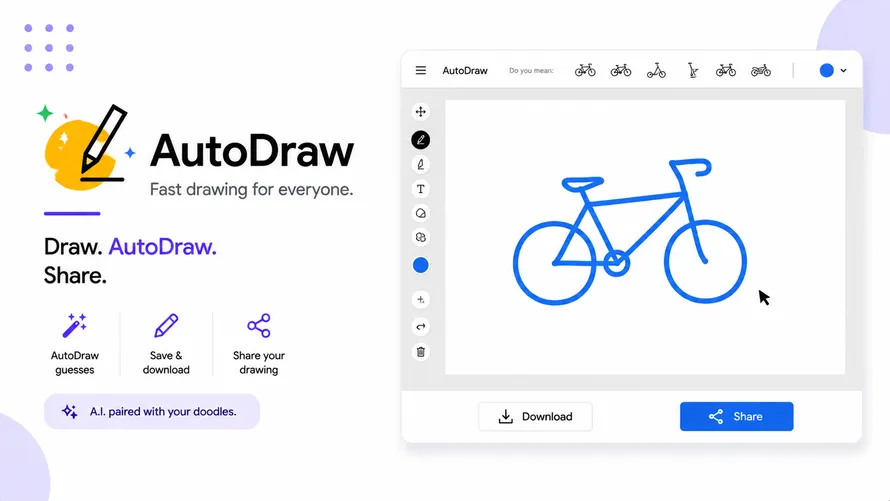
AutoDraw is a lightweight AI drawing tool created by Google. Users sketch rough shapes and the AI suggests cleaner versions automatically.
This tool is very simple and works well for quick icon ideas, classroom graphics, and beginner sketches. Children and students also use it often because the learning curve is low.
AutoDraw is not made for professional illustration work. Still, it is useful for brainstorming simple visual concepts and fast presentation graphics.
Many browser AI tools now focus on complex image generation. AutoDraw stays focused on lightweight drawing support.
Bonus Tool: Kittl AI
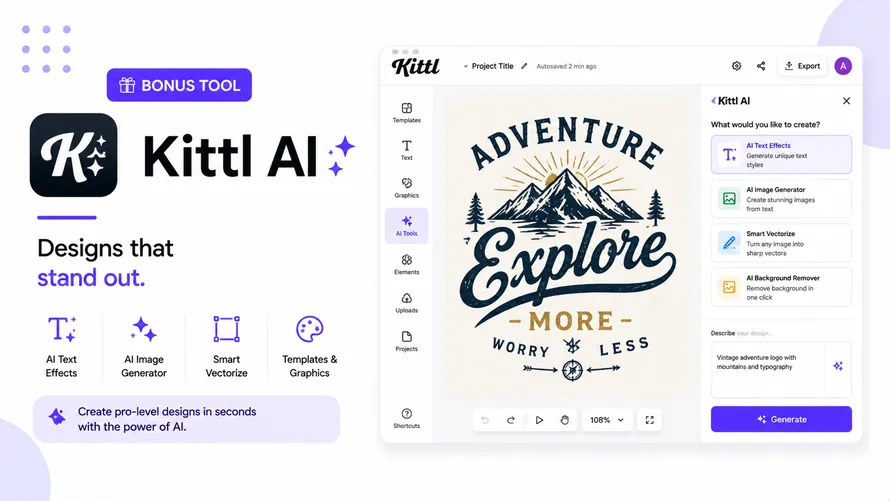
Kittl AI is becoming popular for typography graphics, poster layouts, and print-style design work. Many users create t-shirt graphics, social posts, and logo text designs with it.
The browser editor includes AI support for text styling and layout generation. Designers can quickly test vintage styles, modern typography, and decorative layouts.
Kittl AI is useful for print designers who want browser-based workflows. The platform works well for creators selling templates, posters, and merchandise designs online.
This tool fits well into modern AI tools collections because typography design remains important in branding and advertising.
| Tool | Primary Use | Free Plan | Best For |
| Visily | UI/UX wireframing | Yes | App and web layout design |
| Flowstep | User flow design | Yes | Product and UX designers |
| Looka | AI logo generator | Preview only | Brand identity and logo creation |
| Fontjoy | Font pairing | Yes (fully free) | Typography decisions |
| Cleanup.pictures | Object removal | Yes (limited size) | Photo cleanup and editing |
| Clipdrop | Multi-feature image editing | Yes (limited) | Background removal, upscaling |
| Leonardo AI | AI image generation | Yes (daily credits) | Illustration and concept art |
| Playground AI | AI image generation | Yes (generous) | Experimenting with AI images |
| Microsoft Designer | Social and marketing graphics | Yes (with MS account) | Quick content creation |
| AutoDraw | Sketch-to-icon tool | Yes (fully free) | Fast rough illustrations |
| Kittl AI | Text effects and label design | Yes (limited export) | Retro and decorative graphics |
How Browser AI Tools Help Designers
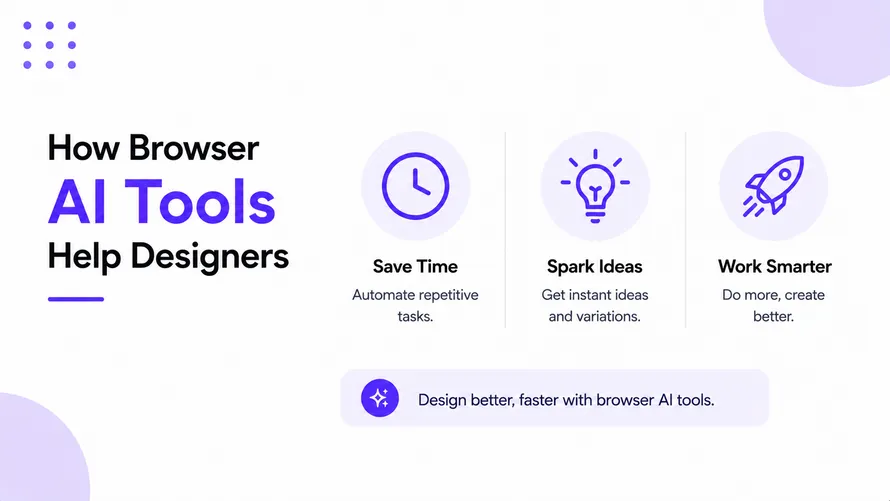
Browser AI tools help save time during repetitive tasks. Designers can quickly remove backgrounds, test font pairings, organize wireframes, and create social graphics.
AI Logo generator platforms also help freelancers create rough branding ideas before final design work begins. This speeds up the early concept stage.
AI UX Tools help product teams organize app structures and improve user flows. Browser-based systems make collaboration easier because teams can access projects from anywhere.
Many designers now combine traditional software with AI tools instead of replacing everything completely. AI works more like a helper during daily creative work.
Final Thoughts
Browser AI tools are becoming part of daily design workflows in 2026. Some tools focus on UI layouts. Others focus on branding, typography, image cleanup, or AI illustration.
Designers now have more ways to test ideas quickly without installing large software packages. Browser-based AI tools also work better for freelancers, students, and small teams with lower hardware power.
AI tools still need human direction. The AI can generate layouts and suggestions, but designers still make creative decisions and improve the final output.
The tools in this article show how browser AI platforms are changing graphic design work step by step.
Frequently Asked Questions
What are browser AI tools?
Browser AI tools are web-based applications that use artificial intelligence and run directly inside a browser without software installation.
Which browser AI tool is best for graphic designers?
Popular options include Envato AI, Visily, Leonardo AI, Kittl AI, and Microsoft Designer depending on the project.
Are browser AI tools free?
Many browser AI tools offer free plans with limited features and paid upgrades for advanced functionality.
(Visited 62 times, 62 visits today)