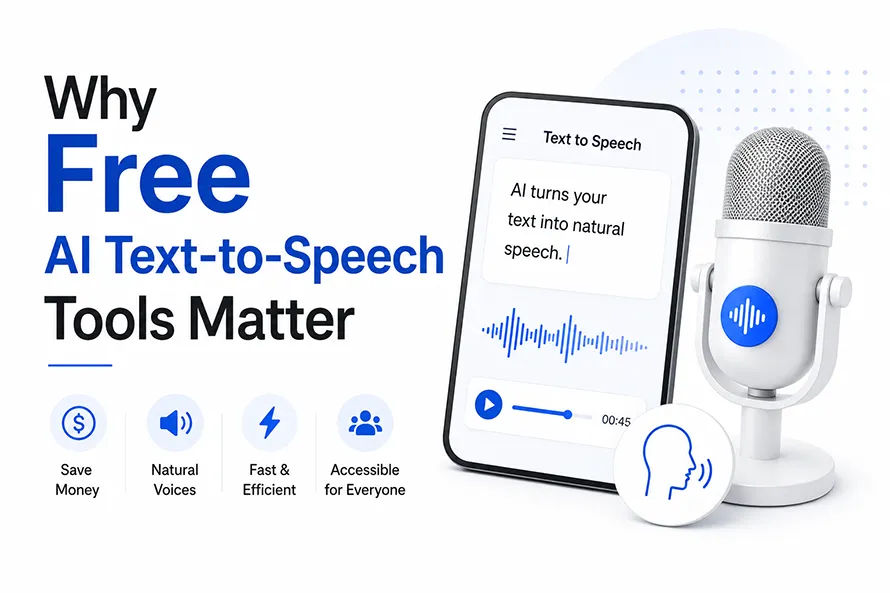
AI text-to-speech tools have become incredibly realistic. Instead of robotic voices, today’s AI can generate natural speech for videos, podcasts, presentations, audiobooks, and accessibility in just a few seconds. Best of all, many of these AI tools offer free plans, making professional-quality voice generation accessible to everyone.
In this guide, we’ve rounded up the 10 best free AI text-to-speech tools for 2026. Whether you’re a content creator, designer, student, educator, or business owner, these tools can help you turn written text into natural-sounding speech without spending money.
From browser-based readers to advanced AI voice platforms, you’ll find options for nearly every workflow, along with a comparison table to help you choose the right tool.
How We Chose These AI Text-to-Speech Tools
We evaluated each AI text-to-speech tool based on voice quality, ease of use, available free features, language support, export options, and overall value for creators. We also considered how useful each tool is for common tasks like YouTube narration, podcasts, accessibility, presentations, and social media content. Every recommendation in this guide offers a free way to try AI text-to-speech before upgrading to a paid plan.
Why Free AI Text-to-Speech Tools Matter

Not everyone has money to spend on a voiceover artist or expensive software. A free AI text-to-speech tool lets a student, a small business owner, or a new content creator add a voice to their work without paying anything upfront. That is a big deal for people just starting out.
These tools also save time. Recording your own voice takes practice, a quiet room, and often several tries to get it right. A text to speech generator skips all of that. You type your script once, pick a voice, and get an audio file back in under a minute.
Best Free AI Text-to-Speech Tools (2026)
Every tool on this list offers a free way to generate AI speech, although the limits and features vary. Some are ideal for creating professional voiceovers, while others focus on reading documents, accessibility, or quick text-to-audio conversion. Here’s how they compare.
1. Studio AI by Creative Fabrica
Best For: Designers, marketers, and social media creators

Creative Fabrica is known for fonts, graphics, and design bundles, but it also built a Studio AI section that includes a text-to-speech generator. You paste your script into the box, choose a voice from the list, and the tool turns your words into audio within seconds. No design skill is needed to use it.
The free plan lets you test a handful of voices before asking you to pay for more options or longer scripts. This makes it easy to check if the voice quality matches what you need for a video or a short clip.
If you already use Creative Fabrica for other design work, this tool sits inside the same account, so you do not need to sign up somewhere new just to add a voiceover to your project.
Free Plan: Yes
Key Features
- Natural AI voices
- Multiple languages
- Fast text-to-speech generation
- Works inside Creative Fabrica Studio
- Easy audio export
Pros
- Beginner-friendly interface
- Part of a complete AI creative suite
- Good voice quality
- No software installation required
Cons
- Limited voices on the free plan
- Advanced features require a paid subscription
2. ElevenLabs

ElevenLabs is one of the most talked about AI text-to-speech tools among creators right now. It is known for voices that sound close to a real human, with tone changes and pauses placed in the right spots instead of sounding flat.
The free version gives you a limited number of characters each month. That amount is enough to test a few scripts and compare voice styles before deciding if a paid plan is worth it for your channel or project.
Many YouTubers, podcast hosts, and course creators use ElevenLabs because the output does not sound like an old text reader from years ago. It also supports several languages, which helps creators making content for more than one country.
There is also a voice cloning feature, though the free plan keeps this limited. Some people use it to test how their own voice would sound reading a script before deciding whether to record it themselves or let the AI handle the whole thing.
Free Plan: Yes
Key Features
- Ultra-realistic AI voices
- Voice cloning
- Multilingual support
- Emotion-aware speech
- Studio-quality narration
Pros
- Some of the most realistic AI voices available
- Excellent pronunciation
- Supports many languages
- Great for long-form narration
Cons
- Monthly character limit on the free plan
- Voice cloning features are limited for free users
3. Envato AI Voiceover Generator
Best For: YouTube videos, podcasts, and professional voiceovers
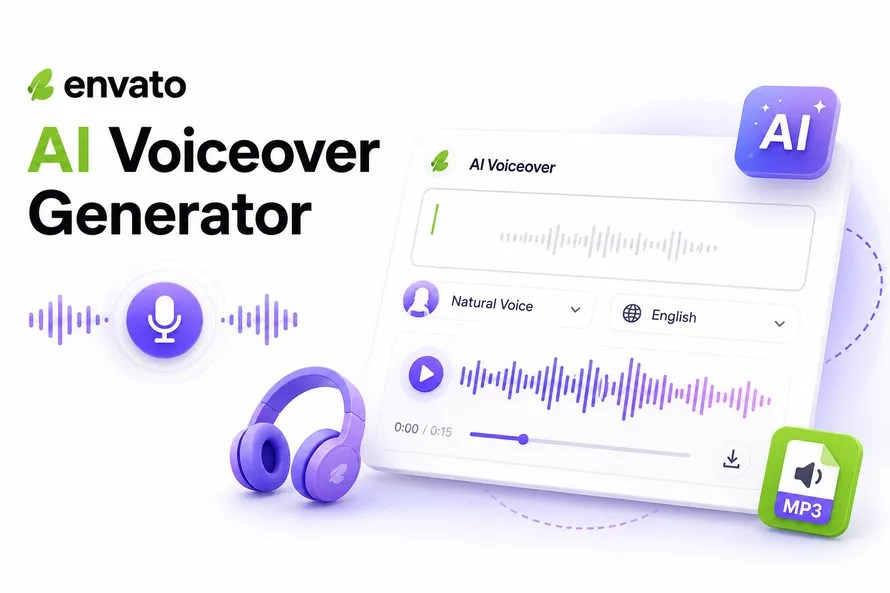
Envato is mostly known for templates, stock video, and design assets, but it also added an AI voiceover generator inside its platform. You pick a voice, paste your script, and download the audio file once it is ready.
The free trial gives you a small taste of the voice options before it asks for a subscription to Envato Elements. This fits well if you are already using Envato for video editing or design work and want to add a voiceover without leaving the site.
This tool saves time since you do not need a separate app just to record a voiceover. It works directly with the video templates and footage already inside Envato, which speeds up small projects.
Free Plan: Trial available
Key Features
- AI voiceovers
- Multiple narrator styles
- Integrated with Envato Elements
- Quick voice generation
Pros
- Works well with video templates
- Easy workflow
- Good audio quality
Cons
- Limited free usage
- Requires an Envato account
4. TTSMaker
Best For: Fast MP3 downloads without signing up
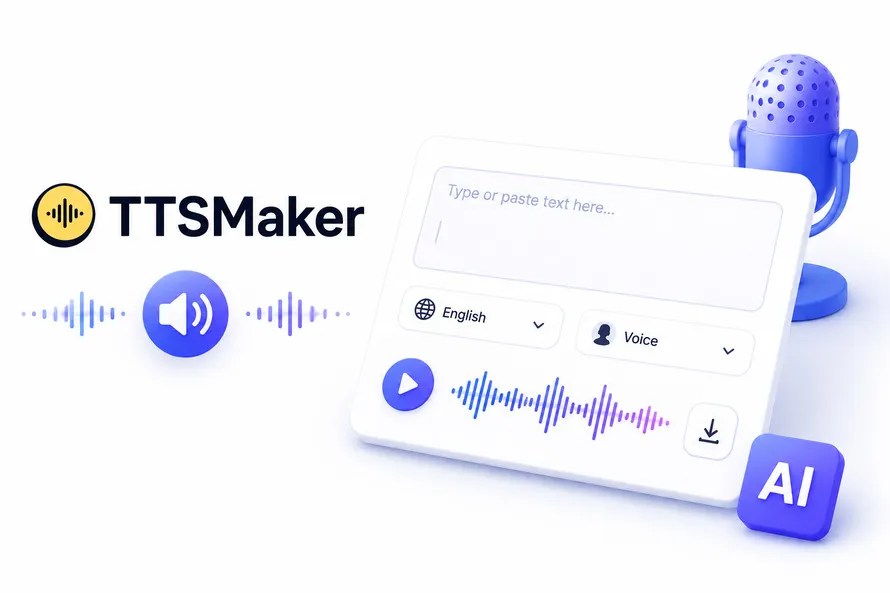
TTSMaker is a simple website that turns text into speech in more than 100 languages. You do not need to create an account to use it, which makes it one of the easiest free TTS tools for someone trying this out for the first time.
You can adjust speed, pitch, and volume before you download the file as an MP3. It is not fancy and does not try to be. It just works, and that is what most people actually want when they need an audio file in a hurry.
Because there is no login step, TTSMaker is a good pick for quick one-off tasks, like turning a short paragraph into a voice clip for a school project or a social post.
Free Plan: Yes
Key Features
- No account required
- 100+ languages
- MP3 download
- Adjustable speed and pitch
Pros
- Completely beginner-friendly
- Quick conversion
- Supports many languages
- Free commercial use for many voices
Cons
- Interface looks basic
- Voices are less expressive than premium AI tools
5. NaturalReader
Best For: Reading PDFs, ebooks, and study materials
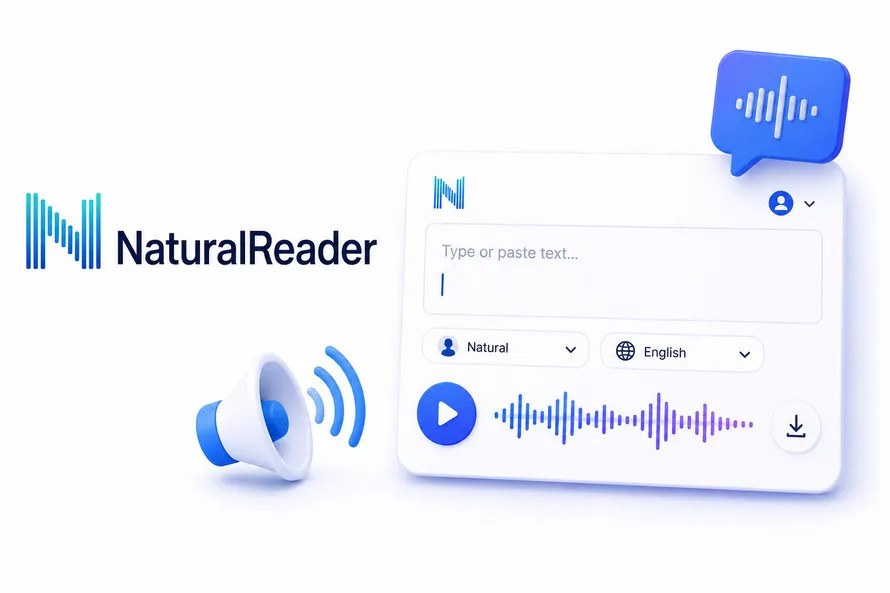
NaturalReader is built for reading documents, PDFs, and web pages out loud rather than making polished voiceovers. It is popular with students and people who prefer listening over reading long pages of text.
The free version includes a decent number of voices and works right inside your browser. You can upload a file or paste text directly, and it reads the content back at a speed you choose.
It is one of the better free AI text-to-speech tools if your main goal is studying or reviewing long documents, instead of producing a finished audio file for a video or ad. Teachers also use it to check how a handout sounds before printing it for a class.
Free Plan: Yes
Key Features
- Document reader
- Browser support
- OCR support
- Multiple AI voices
Pros
- Great accessibility tool
- Excellent document support
- Easy to use
Cons
- Voice export options are limited
- Premium voices require a subscription
6. Speechify
Best For: Students and professionals

Speechify started as a reading app for students and grew into a full text-to-speech tool used by many types of people. It reads articles, emails, and even full books out loud, and a lot of users listen while doing chores or driving.
The free plan includes a limited set of voices and a daily listening cap. Speechify also comes with a browser extension, so you can turn almost any webpage into audio without copying the text somewhere else first.
It works across phones, tablets, and desktop computers, so switching between devices during the day does not break your place in what you were listening to. This makes it a common pick for students who study on the move between classes.
Free Plan: Yes
Key Features
- Reads websites
- Mobile apps
- Browser extension
- Natural AI voices
Pros
- Excellent mobile experience
- Cross-device syncing
- Easy webpage reading
Cons
- Daily listening limits
- Premium voices locked behind paid plans
7. Microsoft Edge Read Aloud
Best For: Reading webpages directly in the browser

If you already use Microsoft Edge, you already have a free TTS tool sitting inside your browser. Read Aloud can read any webpage or document out loud without installing a single extra app.
You do not need to sign up or pay a cent. Open a page, click Read Aloud, and pick a voice from the short list provided. It is not the most advanced tool on this list, but it is already there on most computers, and it costs nothing to use.
This makes it a solid backup option when you just need something read out loud quickly and do not want to open another website or app.
Key Features
- Built into Microsoft Edge
- Reads webpages
- Reads PDFs
- No installation
Pros
- Completely free
- Works instantly
- Simple interface
Cons
- Limited voice selection
- Not intended for professional voiceovers
8. Google Text-to-Speech
Best For: Android accessibility and everyday phone use

Google Text-to-Speech runs quietly in the background on most Android phones. It reads notifications, messages, and app content out loud once it is turned on in the phone settings.
It is not a tool you open on its own like a normal app, but it powers voice reading across many other apps, including Google Docs and some browsers on Android devices. It works well for anyone who wants their phone to read things back to them during the day.
Developers also use the Google Cloud version of this tool to add voice features to their own apps, though that version can involve cost once you go past the free monthly limit.
Free Plan: Free
Key Features
- Built into Android
- Reads app content
- Multiple languages
- Accessibility support
Pros
- Installed on many Android devices
- Reliable
- Excellent language support
Cons
- Not designed as a standalone content creation tool
- Limited export capabilities
9. Balabolka
Best For: Offline Windows users

Balabolka is a free desktop program for Windows that converts text files into speech. It supports many file types, including TXT, DOC, and PDF, and it can save the finished audio as an MP3 or WAV file on your computer.
It is not as polished or modern looking as newer web-based tools, but it is fully free with no character limit tied to a monthly subscription. This makes it useful for people converting long documents into audio without worrying about running out of credits.
People who want an offline AI text-to-speech tool without monthly caps often stick with Balabolka, since it does not need an internet connection once it is installed. This also makes it a safe pick for anyone reading private documents they do not want uploaded to a website.
Free Plan: 100% free
Key Features
- Offline TTS
- Reads DOC, PDF, TXT
- MP3 and WAV export
- Supports many speech engines
Pros
- No subscription
- Works offline
- Supports long documents
Cons
- Outdated interface
- Windows only
10. TTSReader
Best For: Instant browser-based text reading

TTSReader is a browser-based tool that reads text out loud right away, with no download needed. You paste your text, hit play, and it starts reading using the voices already built into your browser.
It also works as a Chrome extension, so you can highlight text on any webpage and have it read aloud on the spot. This is handy for reading long articles or research pages without switching tabs or copying text into another site.
It is a good pick if you want something free, simple, and fast, without creating an account or downloading extra software onto your computer. It also supports several languages, so it works for more than just English text.
Free Plan: Yes
Key Features
- No download
- Chrome extension
- Browser reader
- Multiple languages
Pros
- No sign-up required
- Very simple
- Fast text reading
Cons
- Uses browser voices
- Fewer advanced AI voice options
Editor’s Picks
| Category | Winner |
| Best Overall | ElevenLabs |
| Best for Designers | Studio AI by Creative Fabrica |
| Best for YouTube Videos | ElevenLabs |
| Best Mobile App | Speechify |
| Best for Reading PDFs | NaturalReader |
| Best Without Sign-up | TTSMaker |
| Best Browser Tool | Microsoft Edge Read Aloud |
| Best Offline Tool | Balabolka |
| Best Completely Free | TTSReader |
Comparison Of Free AI Text-to-Speech Tools
Here is a quick side-by-side look at all 10 free AI text-to-speech tools, so you can compare them without reading the whole article again. Look at the free limit and the best use case columns first, since those two usually decide which tool fits your situation.
| Tool | Free Plan | Voices | Languages | Voice Cloning | Best For |
| Studio AI by Creative Fabrica | Yes | AI Voices | Multiple | No | Designers & social media |
| ElevenLabs | Yes | Ultra Realistic | 30+ | Yes | YouTube & Podcasts |
| Envato AI Voiceover Generator | Trial | AI Voices | Multiple | No | Video creators |
| TTSMaker | Yes | 600+ | 100+ | No | Quick voice generation |
| NaturalReader | Yes | Natural Voices | 20+ | No | Reading documents |
| Speechify | Yes | Natural Voices | 30+ | No | Students & professionals |
| Microsoft Edge Read Aloud | Free | Browser Voices | Multiple | No | Reading webpages |
| Google Text-to-Speech | Free | Android Voices | 100+ | No | Accessibility |
| Balabolka | Free | Windows Voices | Multiple | No | Offline Windows users |
| TTSReader | Free | Browser Voices | Multiple | No | Quick browser reading |
Which AI Text-to-Speech Tool Should You Choose?
Every tool on this list serves a different purpose, so the best choice depends on how you plan to use it.

- Choose Studio AI by Creative Fabrica if you’re already creating graphics, social media posts, or marketing content and want text-to-speech in the same creative workspace.
- Choose ElevenLabs if your priority is the most realistic AI voices for YouTube videos, podcasts, audiobooks, or professional narration.
- Choose Envato AI Voiceover Generator if you already use Envato Elements and want to add voiceovers without switching platforms.
- Choose TTSMaker if you need a fast, free text-to-speech tool without creating an account.
- Choose NaturalReader if your main goal is reading PDFs, ebooks, or study materials aloud.
- Choose Speechify if you frequently listen to articles, emails, or books across multiple devices.
- Choose Microsoft Edge Read Aloud if you simply want webpages read aloud in your browser.
- Choose Google Text-to-Speech if you rely on Android accessibility features or want your phone to read content aloud.
- Choose Balabolka if you need a completely free offline Windows application for converting documents into speech.
- Choose TTSReader if you want a lightweight browser-based solution with no downloads or sign-up.
Common Features to Look For
Before choosing an AI text-to-speech tool, consider these features:
- Natural-sounding AI voices
- Multiple languages and accents
- Adjustable speaking speed
- Voice customization
- MP3 or WAV downloads
- Commercial usage rights
- Browser or desktop support
- Mobile compatibility
- Voice cloning (where available)
- Free monthly usage limits
Not every free tool includes all of these features, so choose one that matches your workflow and budget.
Frequently Asked Questions
1. What is an AI text-to-speech tool?
An AI text-to-speech (TTS) tool converts written text into natural-sounding speech using artificial intelligence. Modern AI voices sound much more human than traditional computer-generated voices, making them suitable for videos, podcasts, presentations, audiobooks, and accessibility.
2. Which is the best free AI text-to-speech tool?
It depends on your needs.
- Studio AI by Creative Fabrica is excellent for designers and content creators.
- ElevenLabs offers some of the most realistic AI voices.
- TTSMaker is ideal if you want a free tool without creating an account.
- NaturalReader is a strong choice for reading documents and PDFs.
3. Are free AI text-to-speech tools really free?
Yes, but most offer a free plan with limits, such as monthly character allowances, fewer voice options, or restricted downloads. Many let you try their core features before upgrading to a paid plan.
4. Can I use AI-generated voices for YouTube videos?
Yes. Many AI text-to-speech platforms allow commercial use, including YouTube videos, online courses, podcasts, and marketing content. Always review the licensing terms of the specific tool before publishing.
5. Which AI text-to-speech tool has the most realistic voices?
ElevenLabs is widely recognized for producing highly realistic AI voices with natural pauses and expressive speech. Studio AI by Creative Fabrica and Speechify also offer high-quality voice options for many use cases.
6. Do these tools support multiple languages?
Most AI text-to-speech tools support multiple languages and regional accents. TTSMaker, ElevenLabs, Google Text-to-Speech, and Speechify all provide multilingual voice options, although the number of supported languages varies by platform.
7. Can I use AI text-to-speech for commercial projects?
Many platforms allow commercial use under their free or paid licenses, but the terms differ. If you’re creating client work, advertisements, or products for sale, verify the tool’s commercial usage policy before publishing.
8. What should I look for in an AI text-to-speech tool?
Consider these factors when choosing a tool:
- Voice quality
- Free plan limits
- Supported languages
- Download formats
- Commercial usage rights
- Ease of use
- Browser or desktop compatibility
- Voice customization options
Final Thoughts
AI text-to-speech technology has become more accessible than ever, giving creators, students, businesses, and educators access to natural-sounding voices without expensive software or recording equipment. Whether you’re producing YouTube videos, creating online courses, narrating presentations, or simply listening to documents, there’s a free tool that fits your workflow.
If you’re looking for the most realistic AI voices, ElevenLabs is a standout choice. Studio AI by Creative Fabrica is ideal for designers who want voice generation alongside other creative tools, while TTSMaker and TTSReader are excellent for quick, no-sign-up conversions. Users who need document reading or accessibility features may prefer NaturalReader, Speechify, or Google Text-to-Speech.
Since free plans and features change regularly, it’s worth trying a few different options before deciding which one best matches your needs. Experiment with voice quality, supported languages, and usage limits to find the right balance between features and value.
You May Also Like
(Visited 1 times, 1 visits today)